Green is for cutting by colour
Chroma key deletes a specific shade of green. That works perfectly while the green is only behind the subject - and the hard part of a green screen shoot is the light the wall throws back onto skin, hair, glasses and bottles. The green behind a person can be removed; the green on them cannot.
AI tools work differently. A segmentation model does not look for a colour - it has learned what a person looks like and marks them, like rotoscoping without the hours. It does not need green in order to cut. What it needs is clear separation: contrast, soft even light, and no foreign colour on the subject.
And some tools do not cut at all. Face replacement, video-to-video restyling, relighting - they read the entire frame, including the light sitting on the person. When there is green spill on the subject, the model treats it as part of them, and it comes back in the result as a greenish cast in skin or an odd reflection.
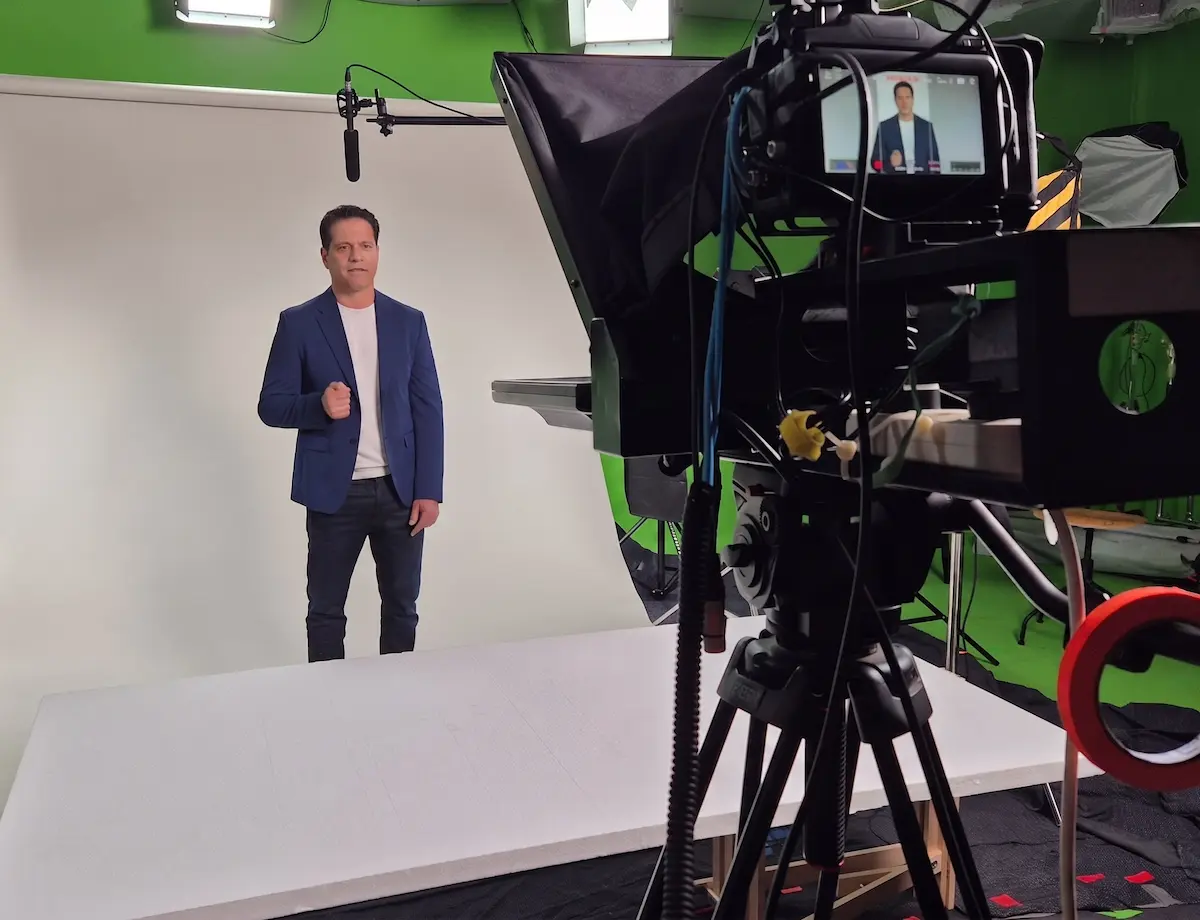
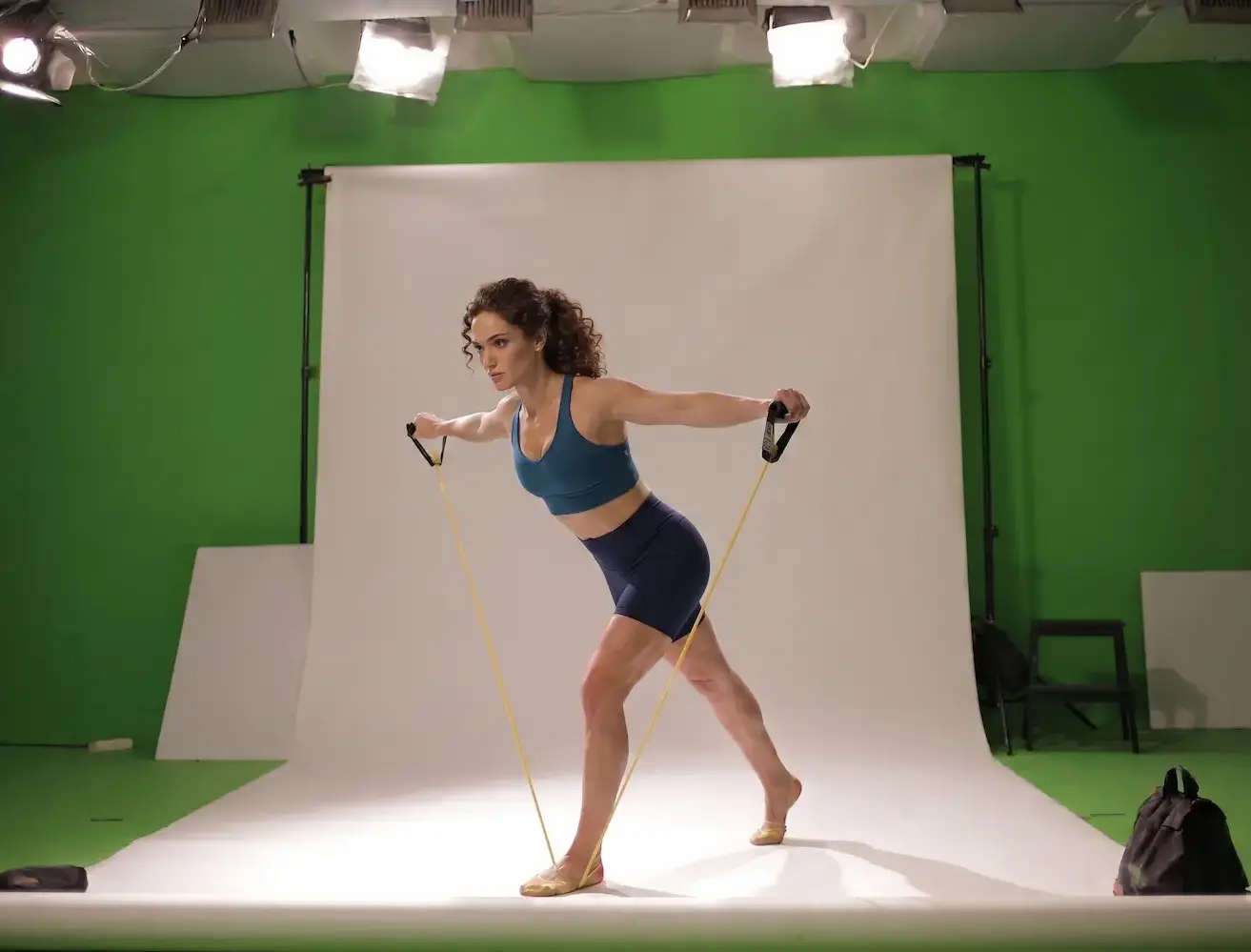
Which one for what
Replacing the background
- Classic background replacement - a subject on a built, generated or filmed backdrop.
- Virtual studio and live keying, where the result is on the monitor during the shoot.
- Anything needing a precise edge - fine hair, transparent objects, fast movement.
White or grey
- AI tools that work on the person - avatars, face replacement, video-to-video, relighting.
- Product and e-commerce, where the final frame is white anyway.
- Portrait and corporate stills that want soft, neutral light.
- Footage you will reuse without knowing yet what goes behind it.
Practical notes
- It is painted, not covered. Wall and floor in one continuous curve, in one tone - so there is no edge, no seam and no shadow where a backdrop would end.
- It happens before the shoot day, which means it has to be arranged in advance. Send dates early.
- Grey is the default. It holds detail in light clothing and hair, and gives a model a clean separation. White when the end result has to sit on white.
- Studio time is the published rate; the painting, and the AI or edit stage if you want them, are quoted per project.
- There are also backdrops in white, black, grey and ten other colours if a painted cyclorama is more than the job needs.
Questions
White or grey?
Grey by default - neutral bounce, detail held in light clothing and hair, clean separation for AI tools. White when the final result has to sit on white, or when you want a bright, soft look.
How much notice do you need?
The painting is done before the shoot day, so it is arranged ahead. Send your dates and what you are shooting.
Can we shoot green and white on the same day?
Not on the same cyclorama - it is one surface, one colour at a time. You can shoot green on the cyclorama and use a white backdrop elsewhere in the room on the same day.
What should talent wear?
On a neutral background almost anything works, which is part of the appeal. The exception is matching the wall: a white shirt on a white cyclorama disappears at the edges, so with white, bring something with tone to it.